Graded Trading Cards


Shop Sports Trading Cards


Buy high-quality graded cards while supplies last.
Official PSA Graded Cards
Shipping Insured

Sell your PSA Graded cards & get cash today!
Trade in your PSA graded cards rated at an 8, 9, or 10 for 💰 cash 💰 or credit.

Graded Trading Cards (15513)
Grades:
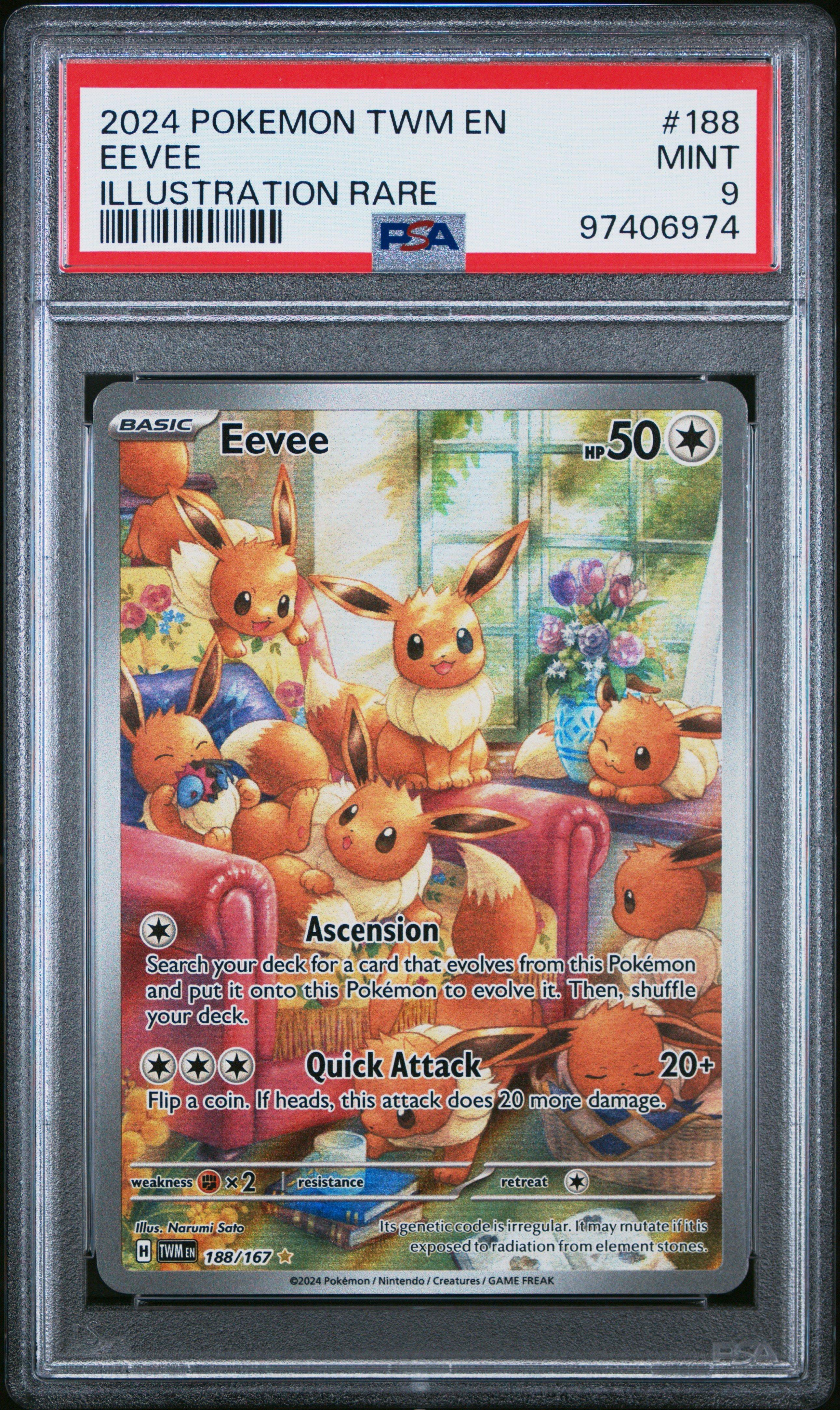
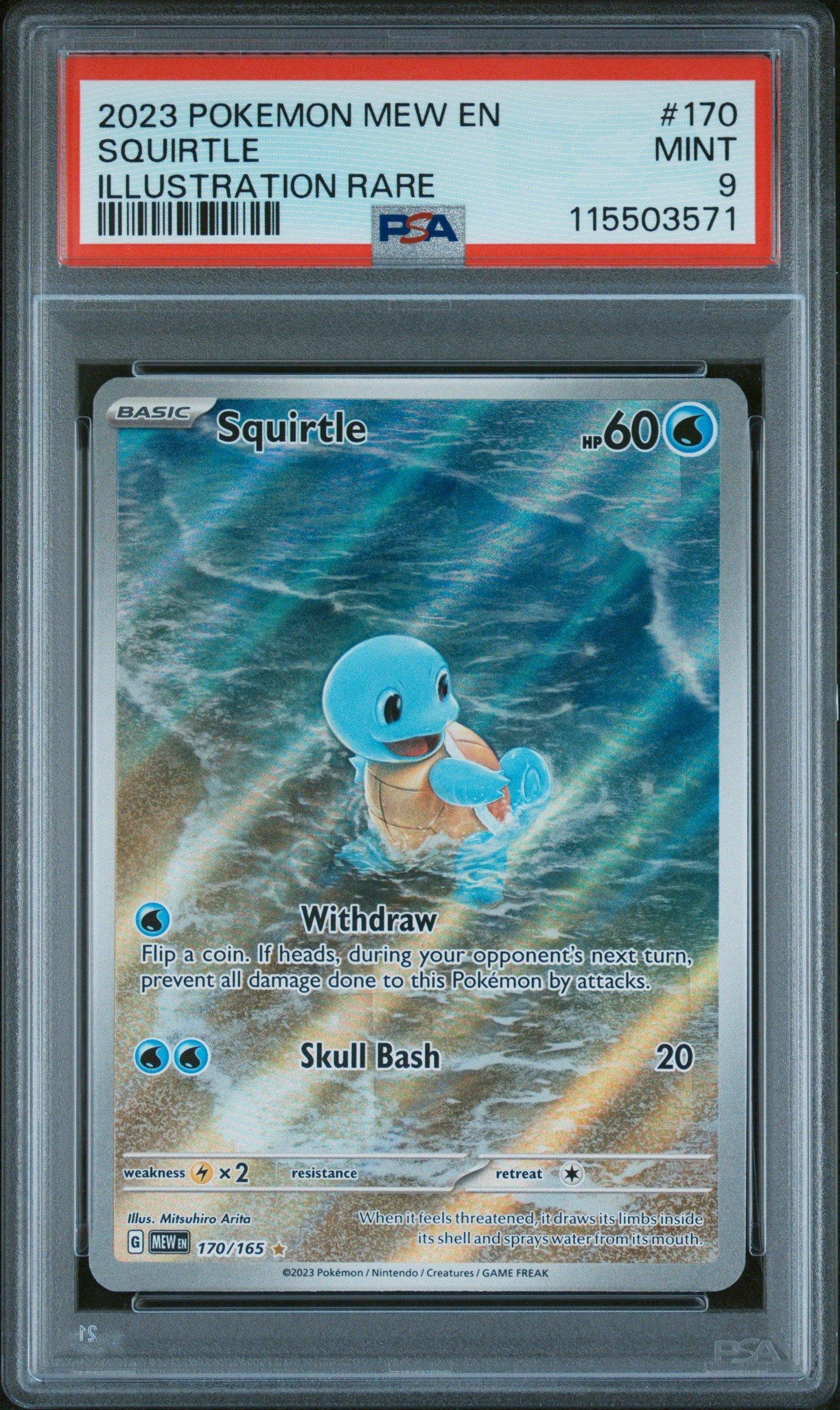
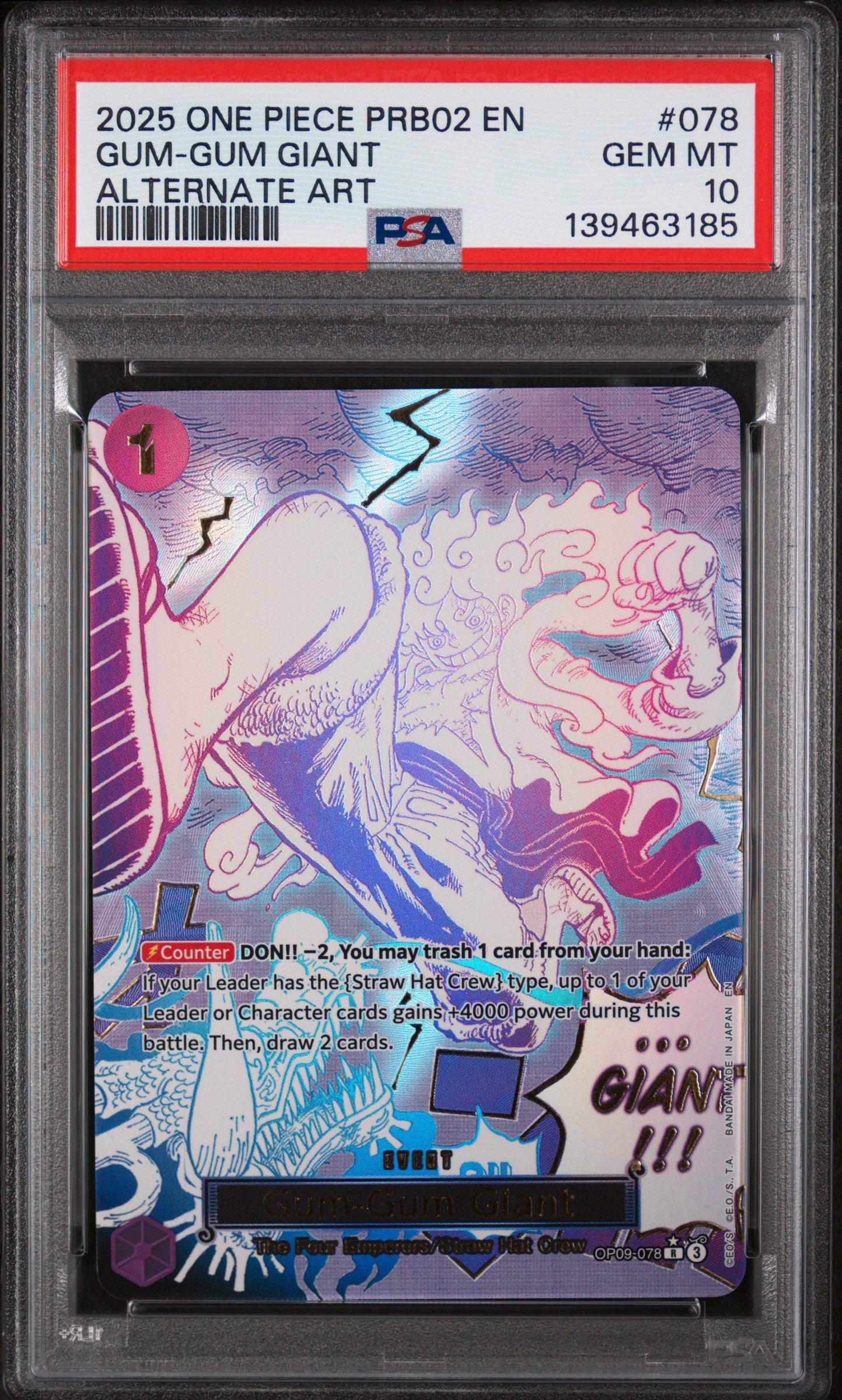

Graded Trading Cards FAQs
We accept official PSA graded trading cards with the Lighthouse label. Our team is trained to analyze PSA graded cards for authenticity and to offer cash or in-store credit on cards rated 8,9, or 10.
At this time, we are only accepting PSA graded trading cards.
GameStop will pay a maximum of $1500 in cash or in-store credit.
Graded Trading Cards trade offers are hassle-free and the offer is final.
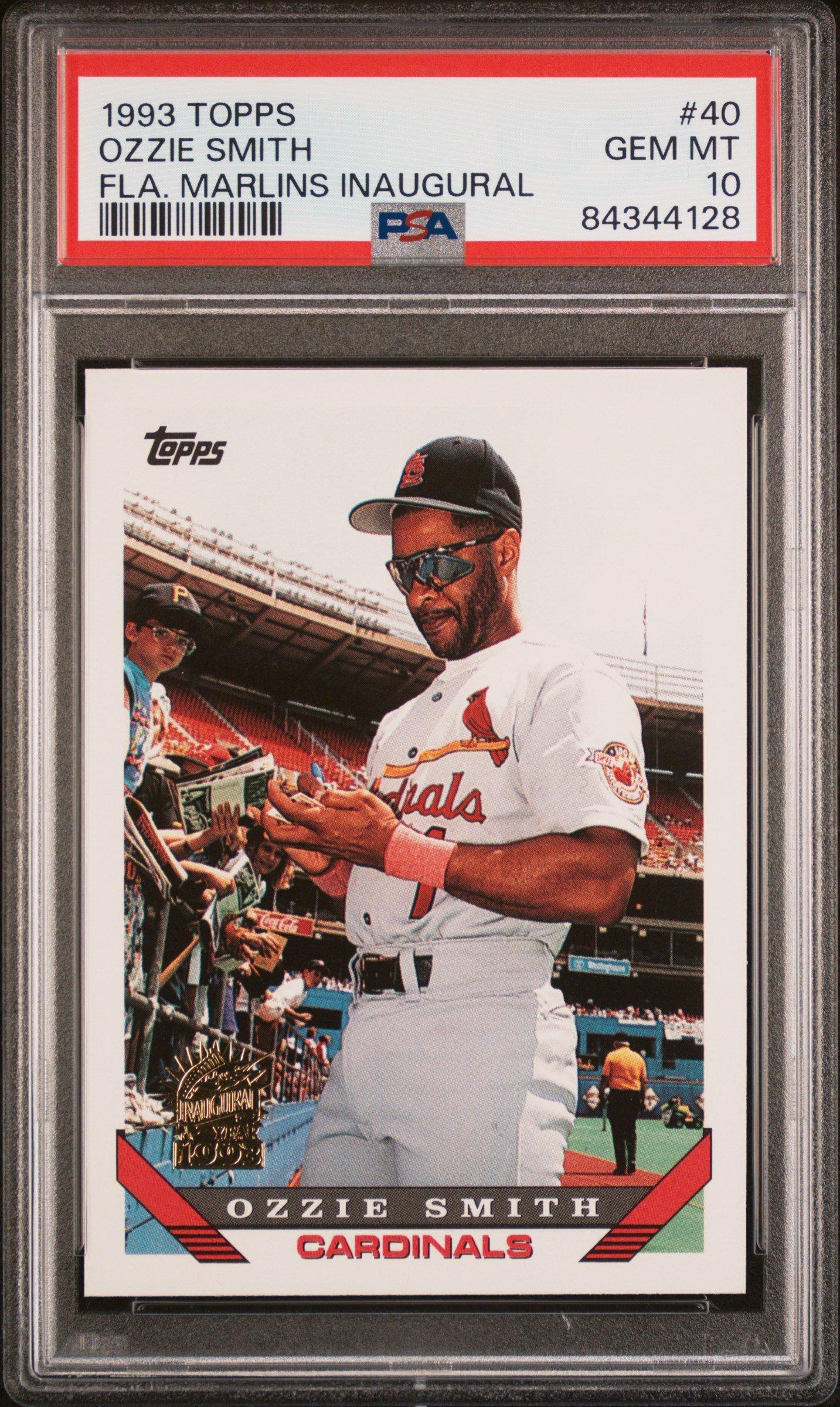
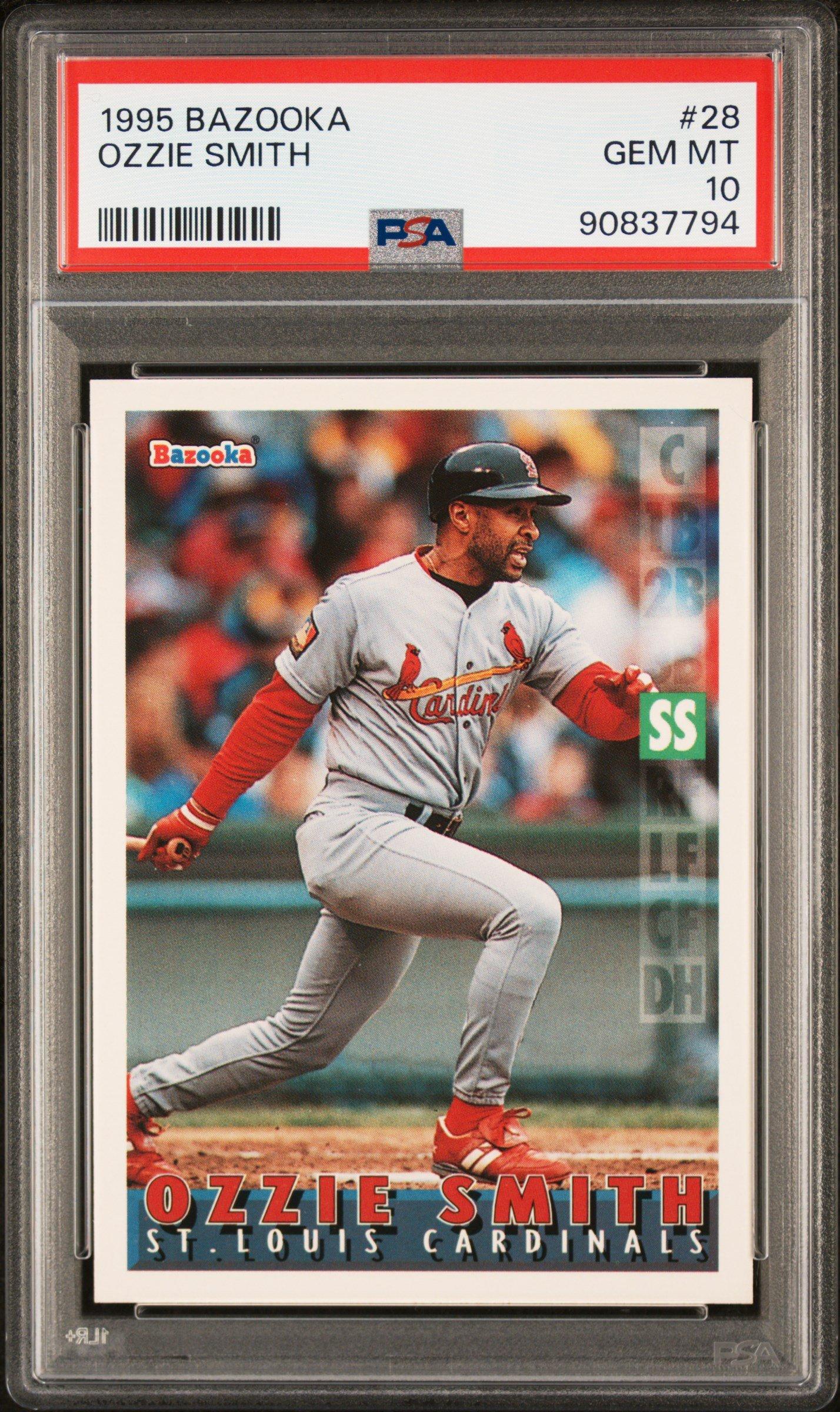
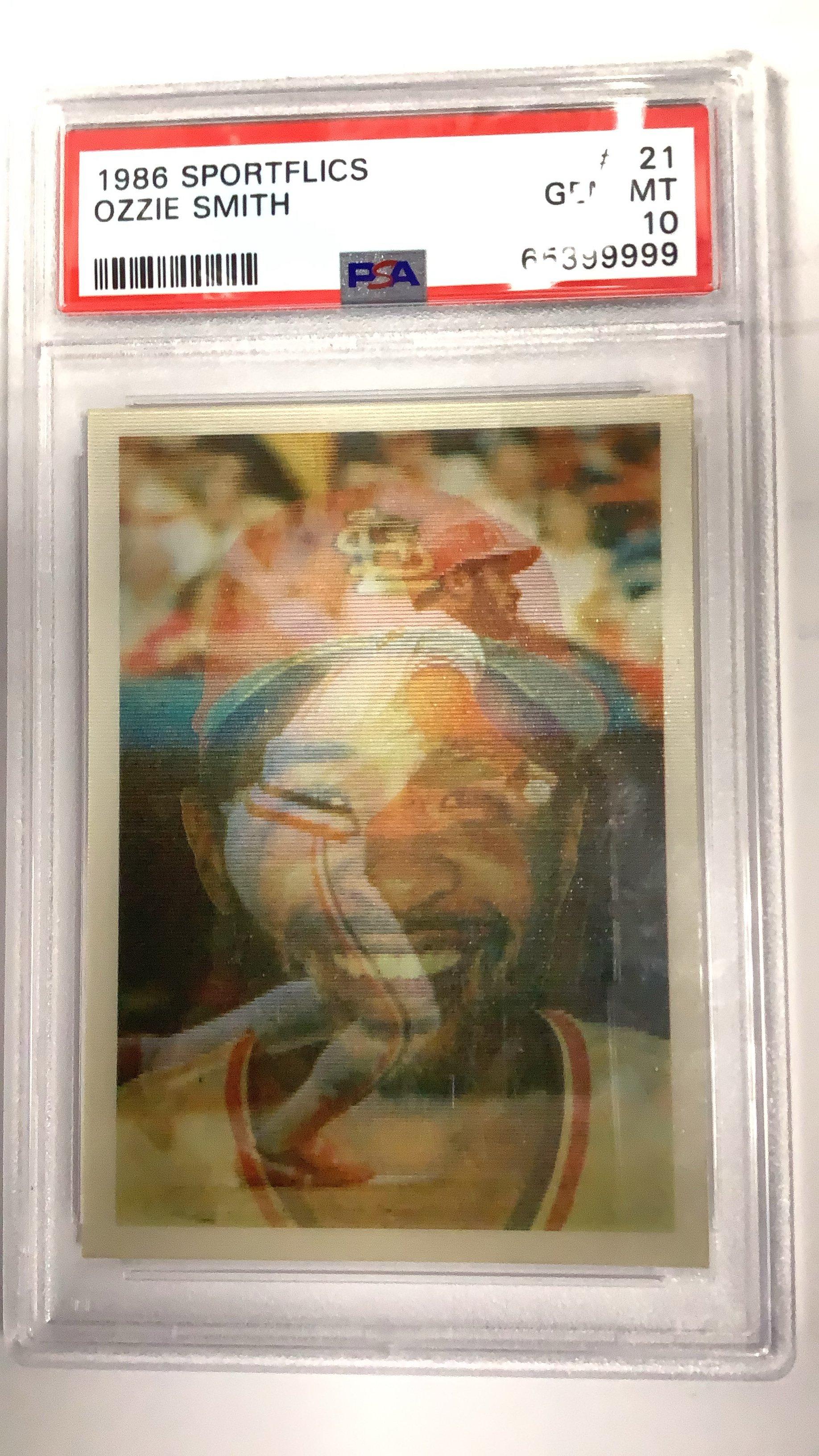
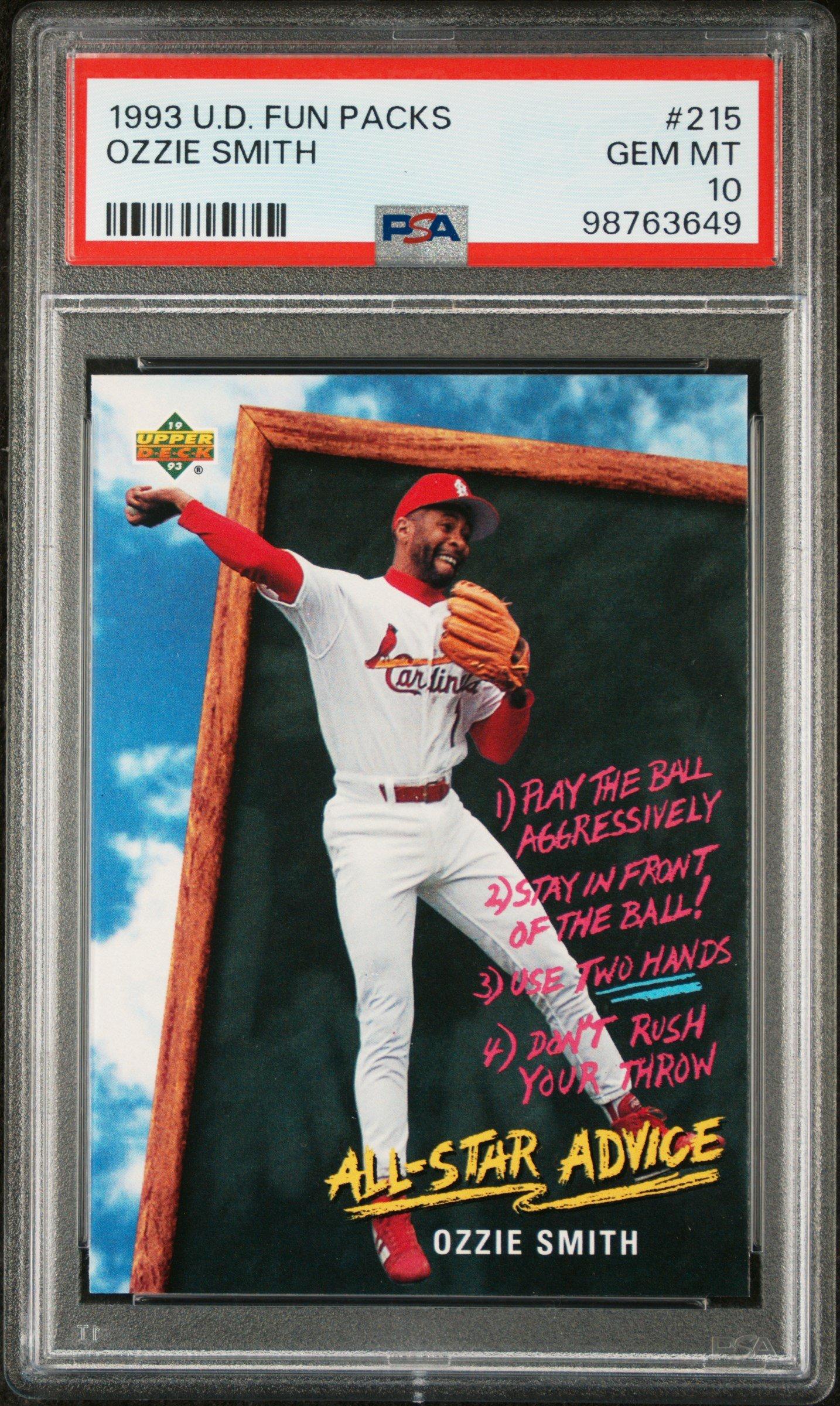
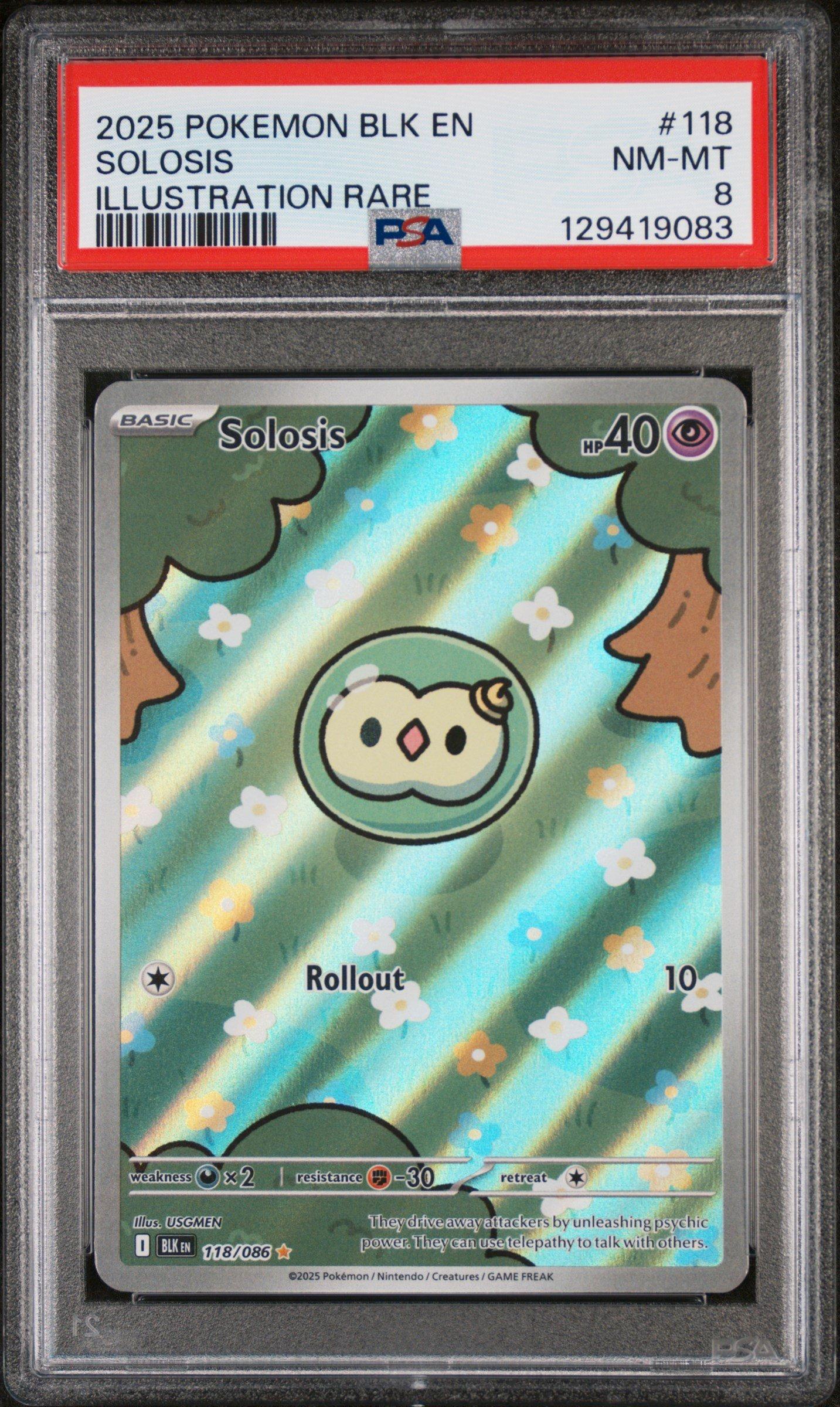
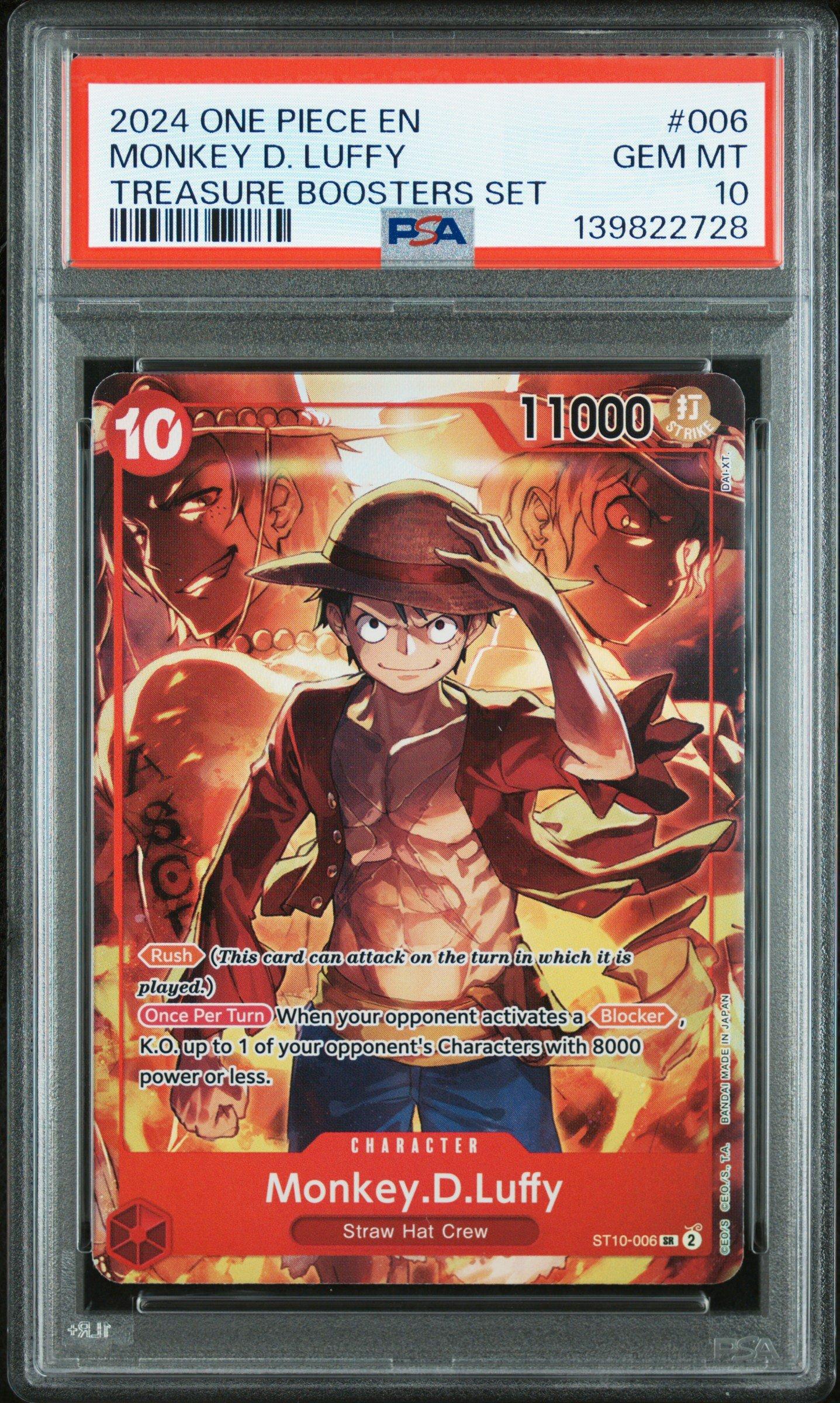
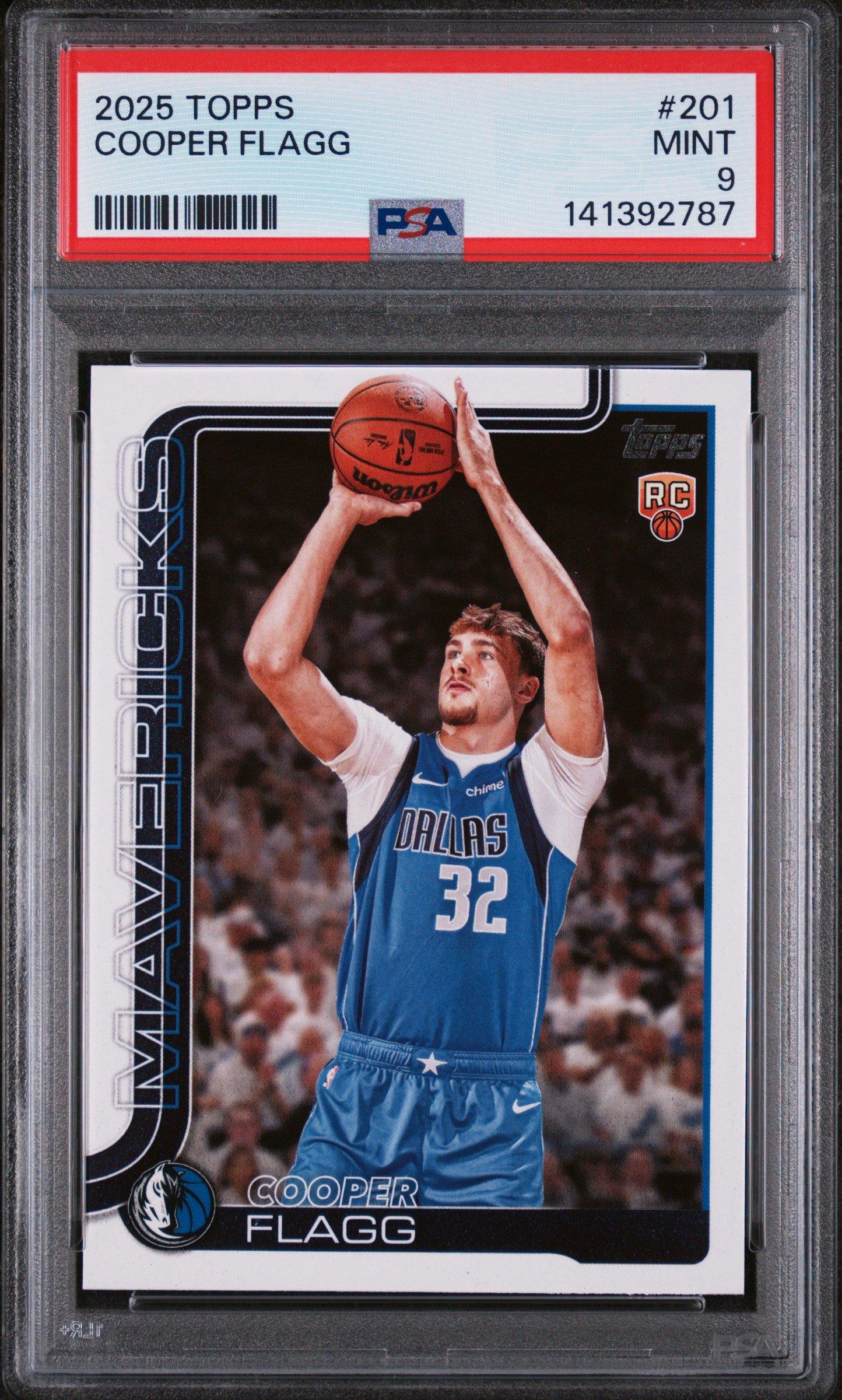
A graded card is a trading card that has been professionally evaluated and assigned a grade by a third-party grading company, such as PSA (Professional Sports Authenticator).
Grading involves a detailed assessment of the card's condition, including its corners, edges, surfaces, and centering. Graded cards are encased in a protective card slab with the grade and certification information displayed on the label, providing collectors with a standardized way to assess the condition of a card.
PSA is the largest and most respected authentication company worldwide for grading trading cards.
Cards are checked for authenticity using a 10-point grading scale to evaluate their quality and condition. A trading card can receive a grade only after it has been deemed authentic.
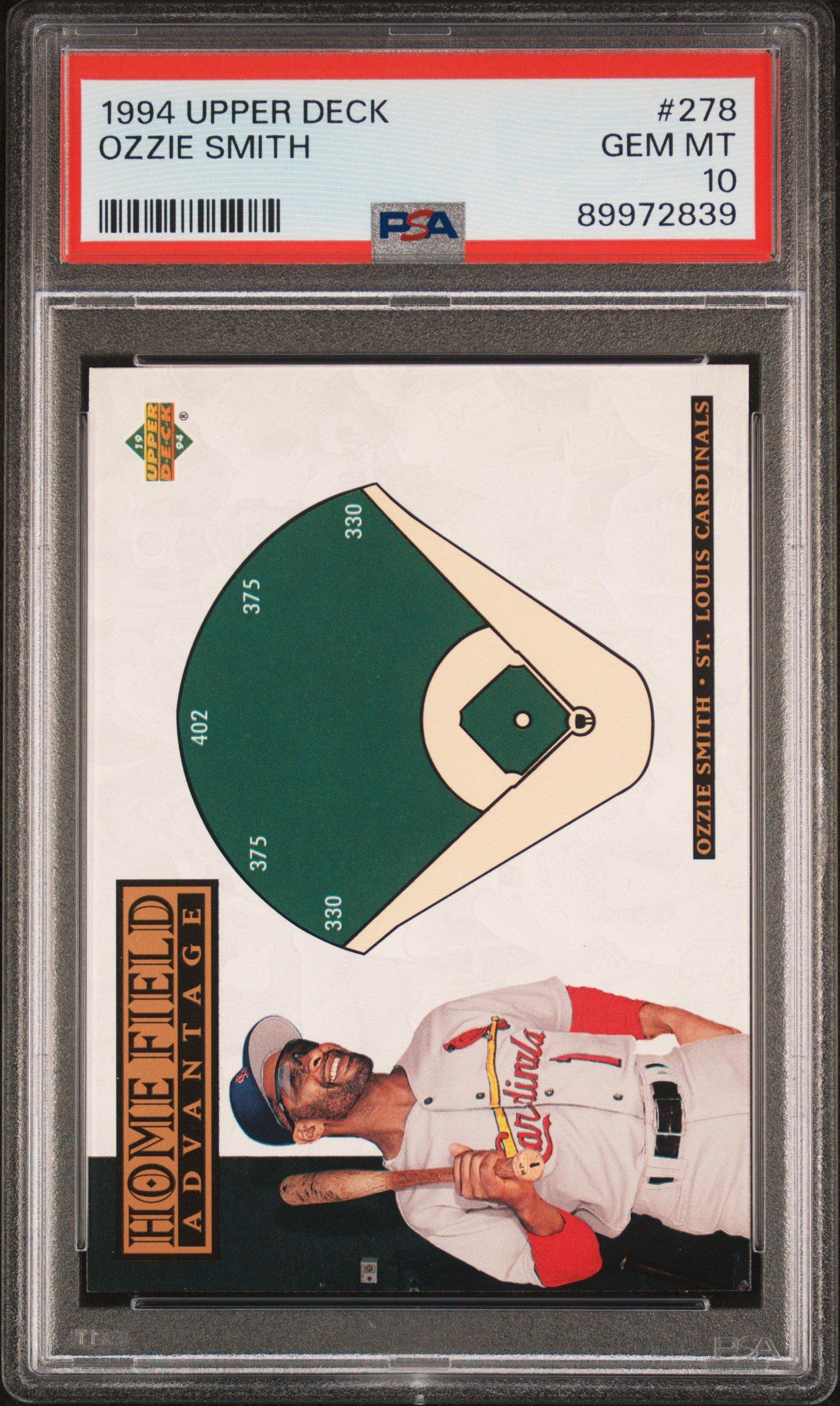
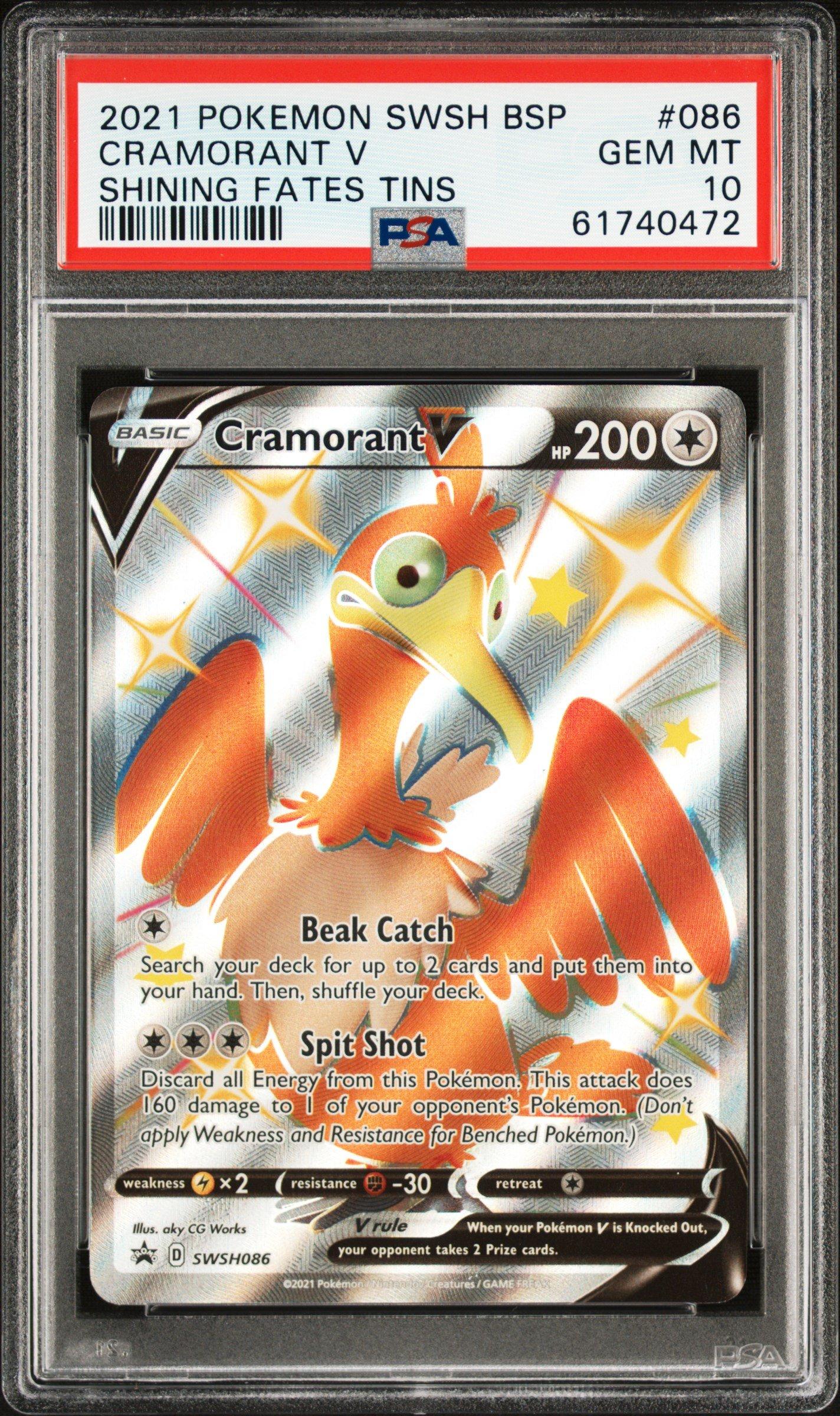
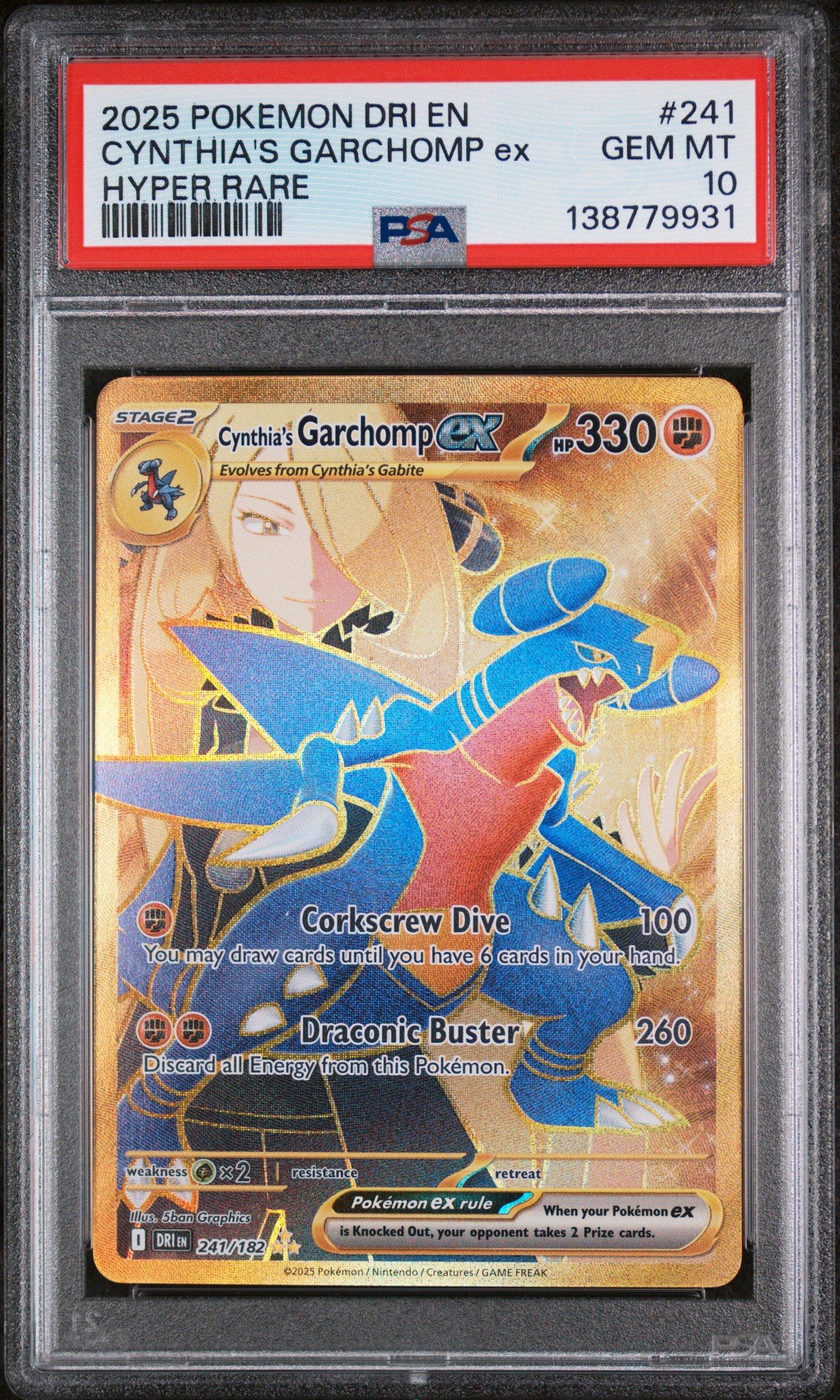
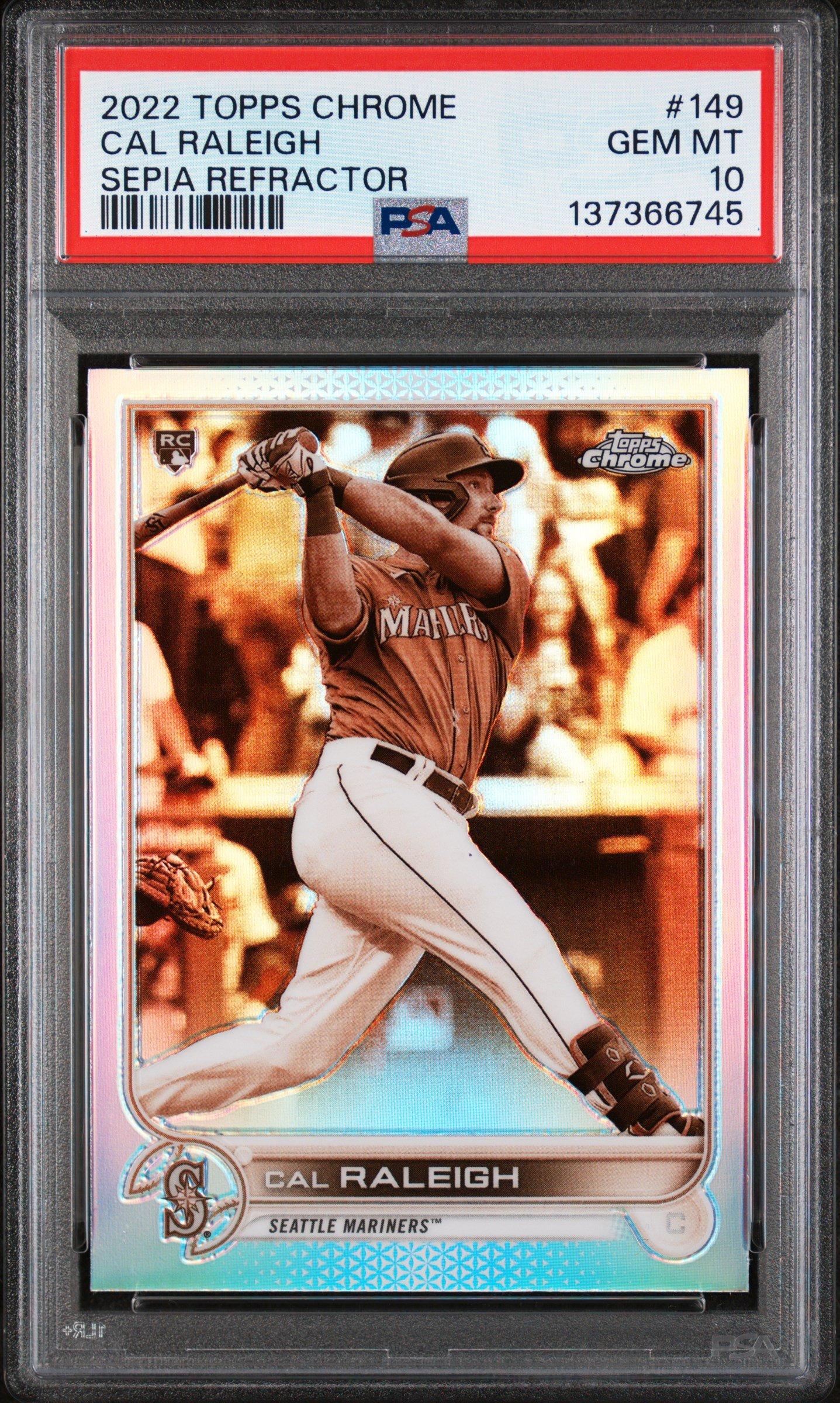
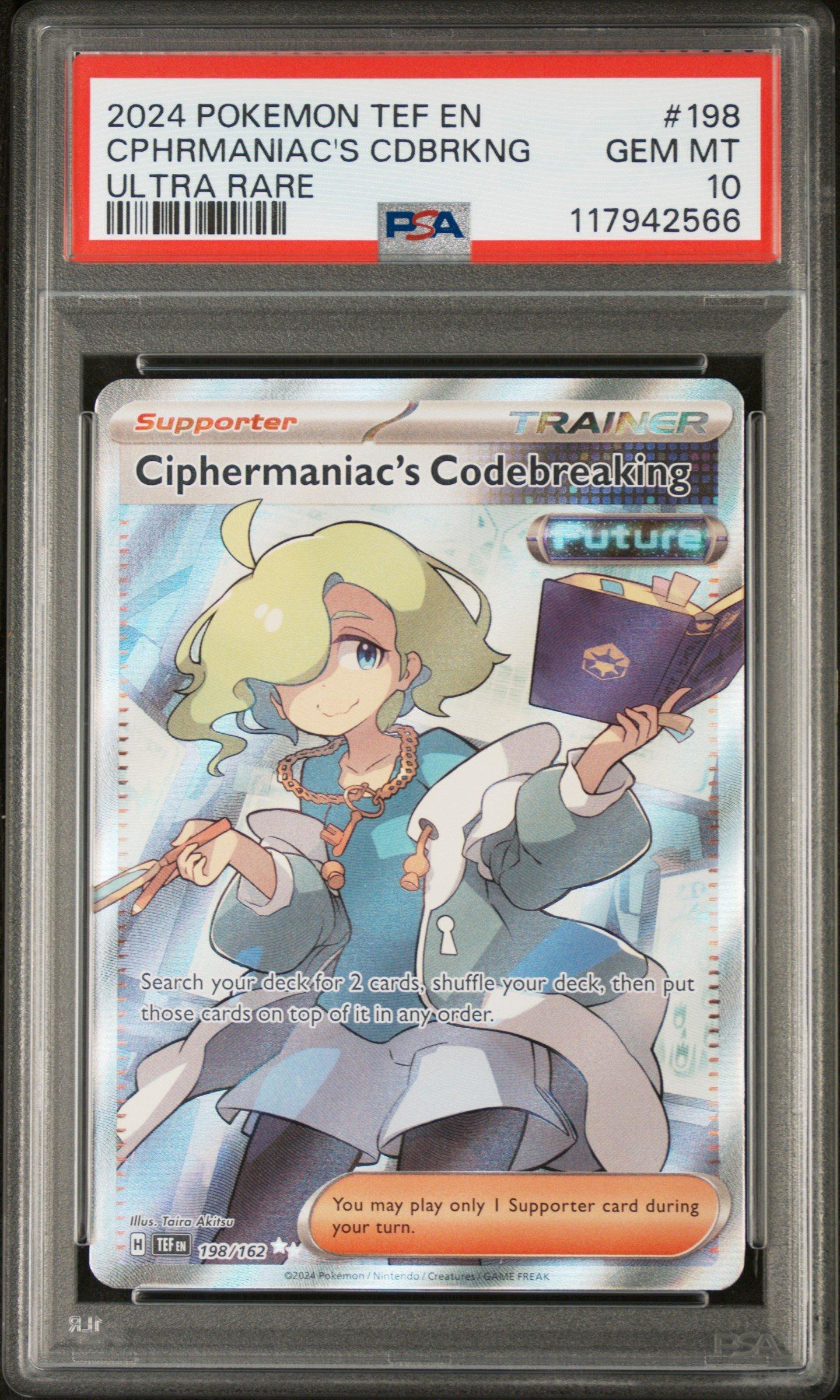
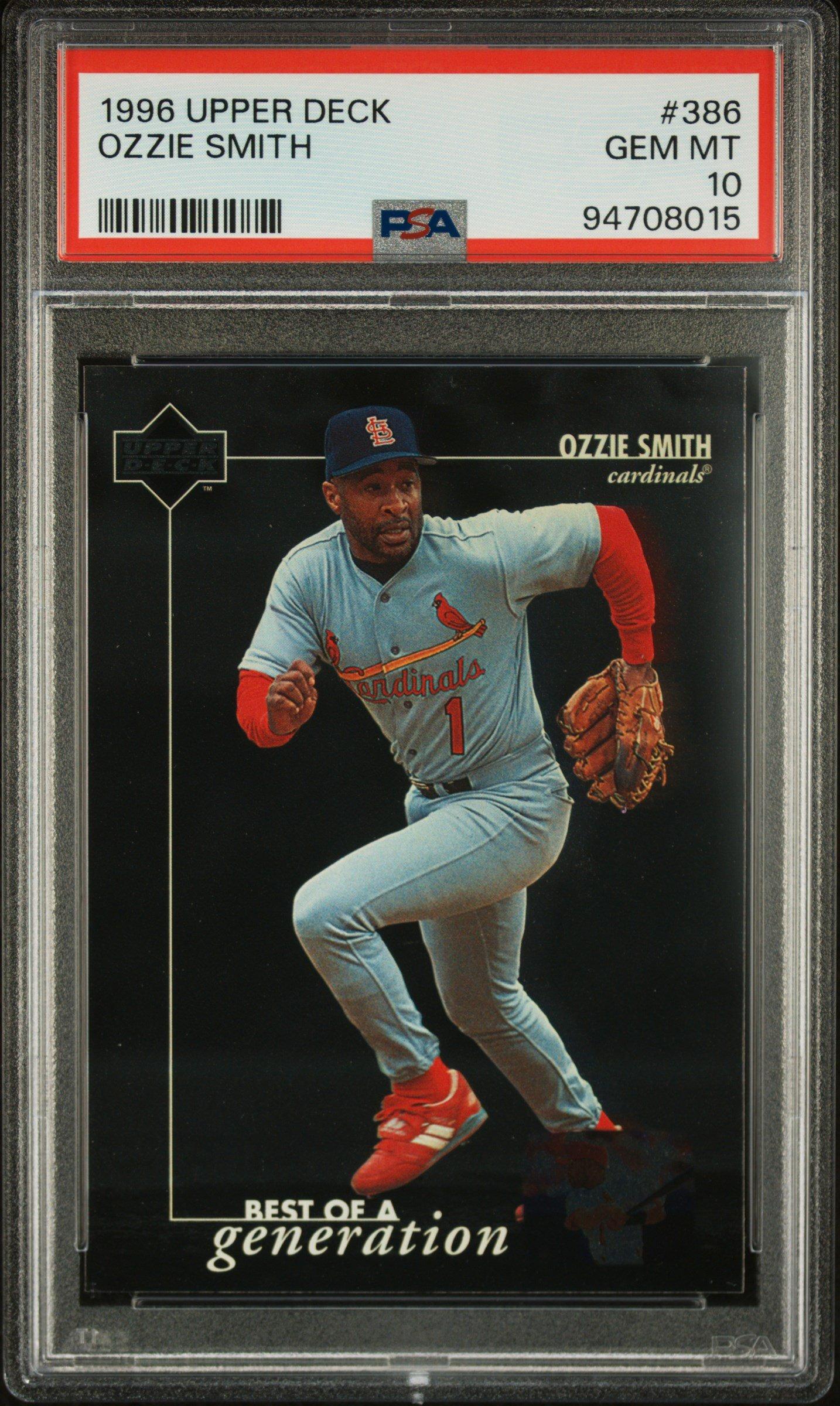
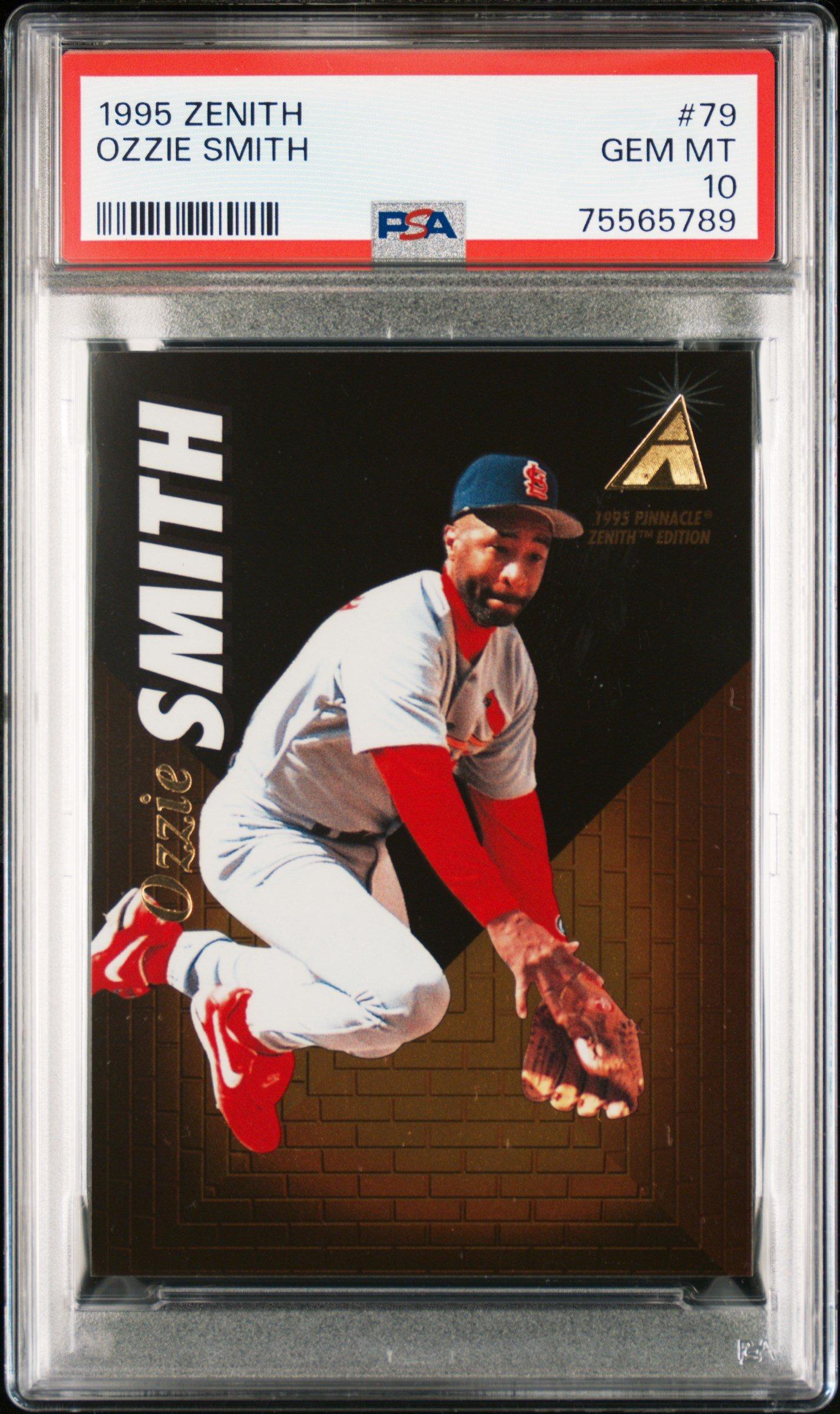
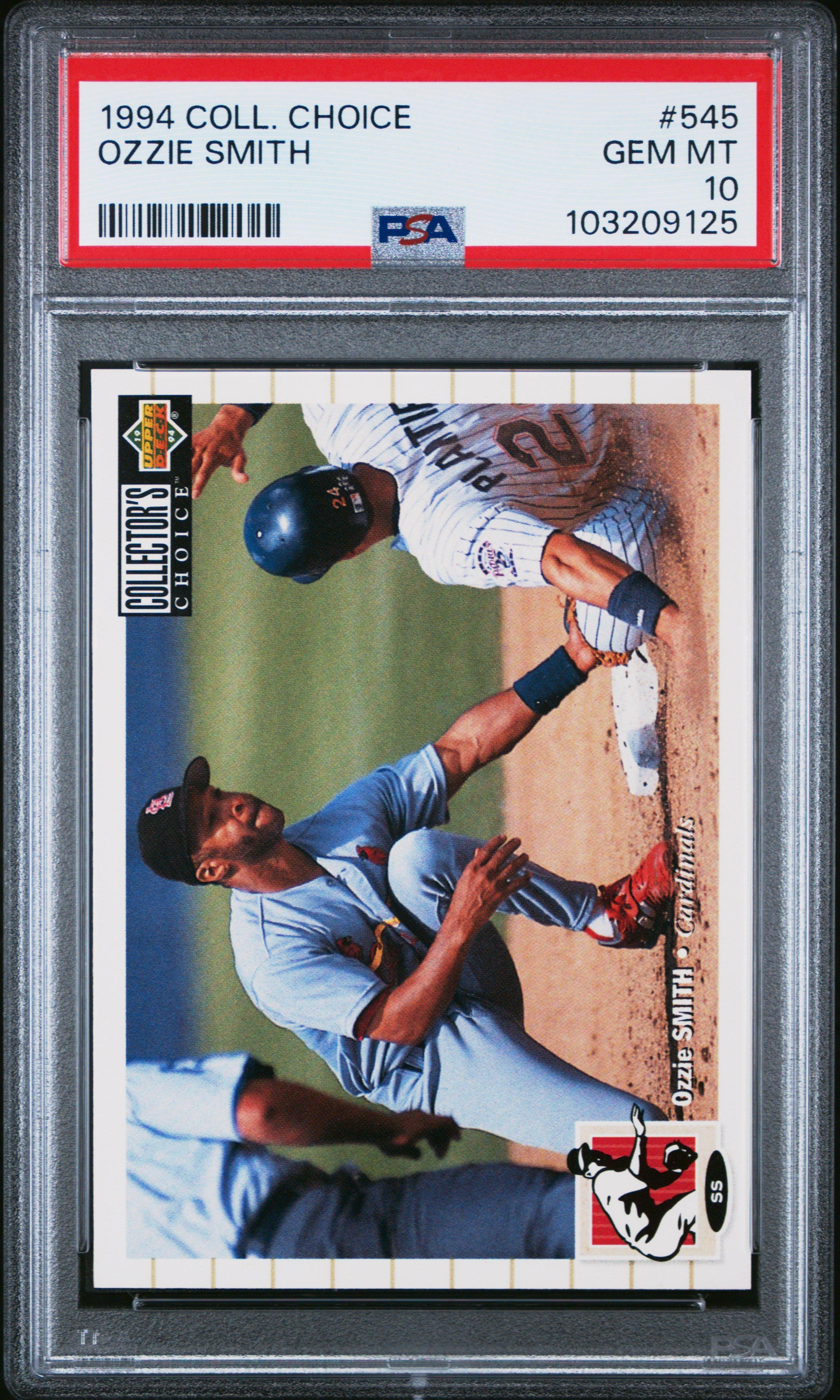
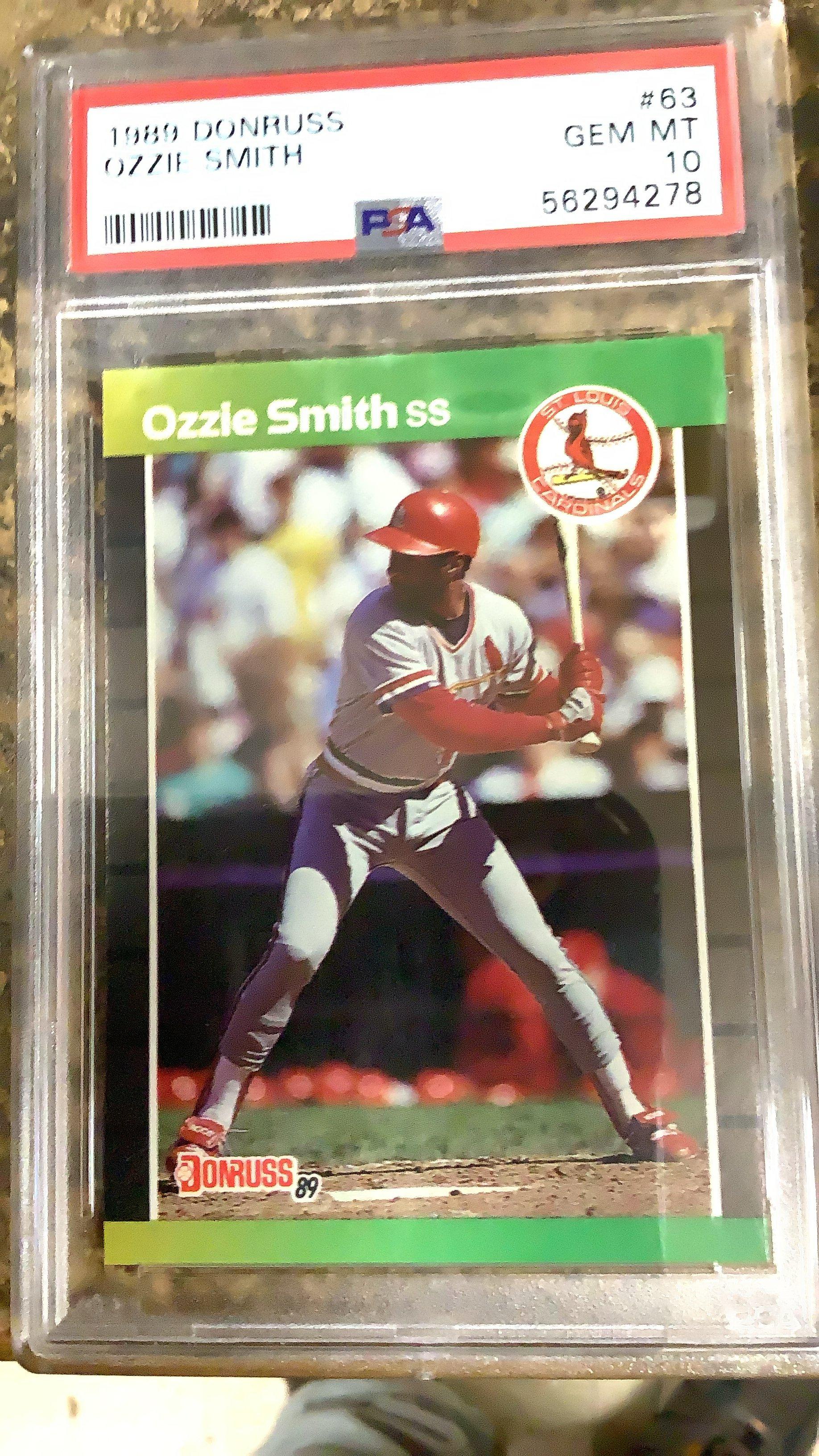
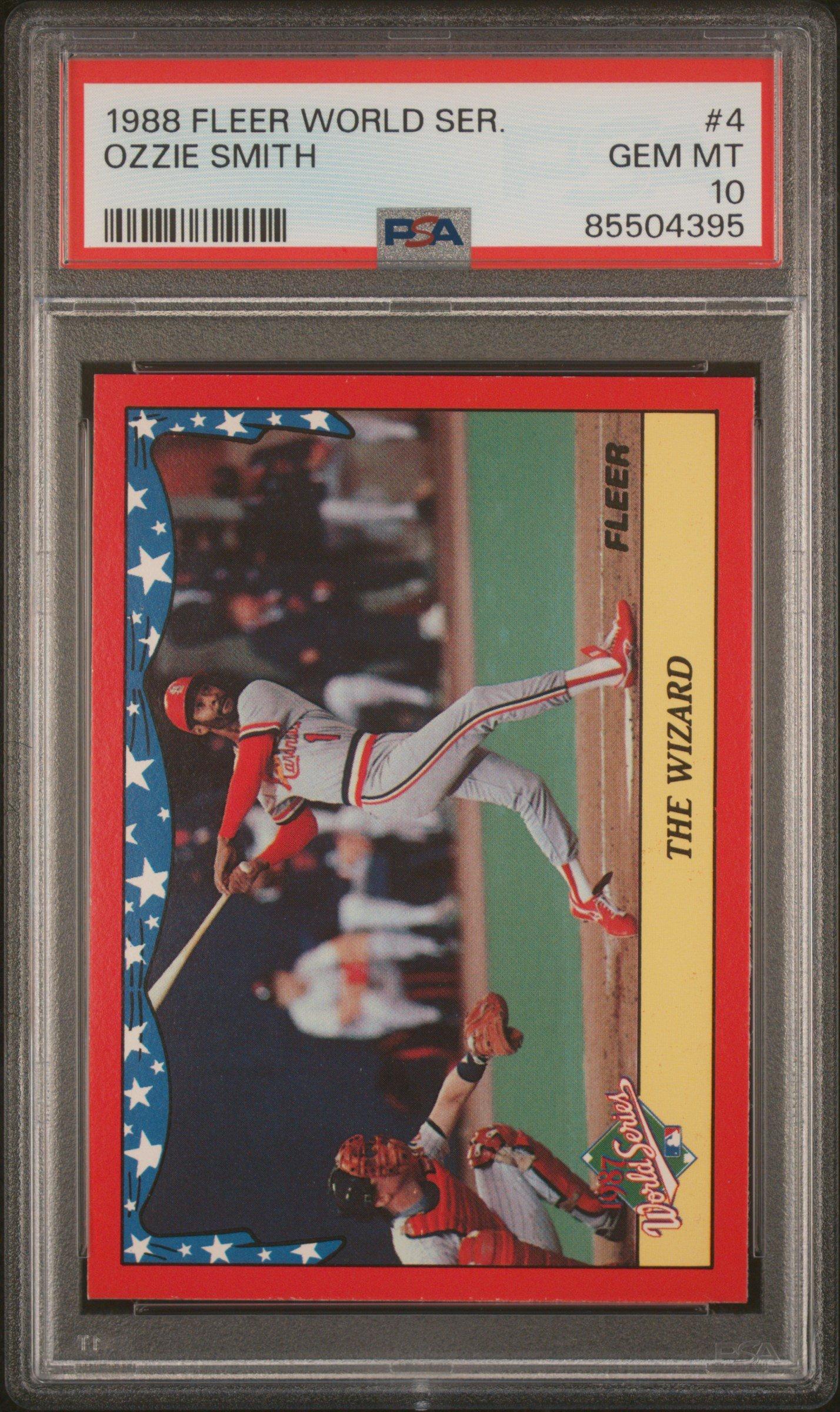
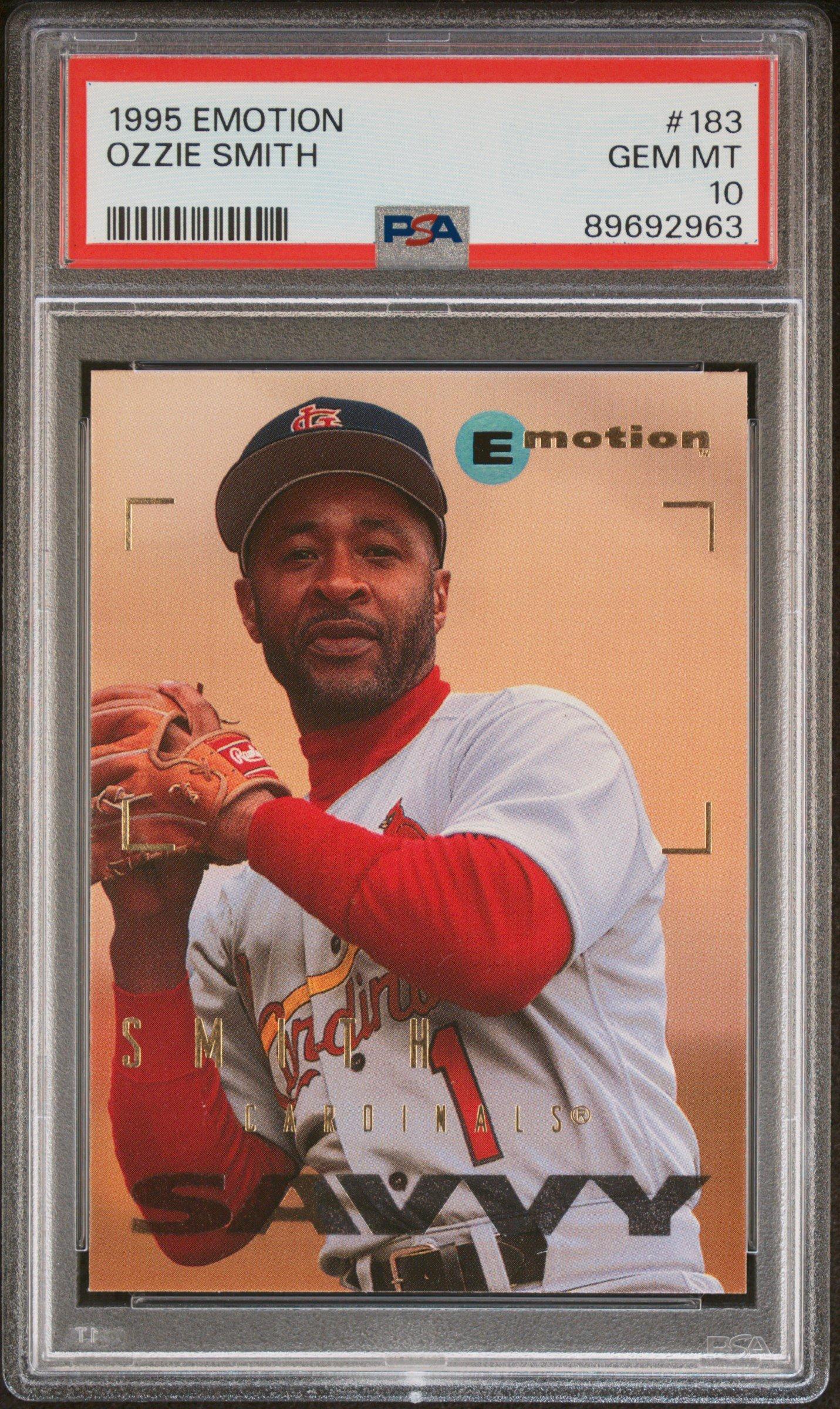
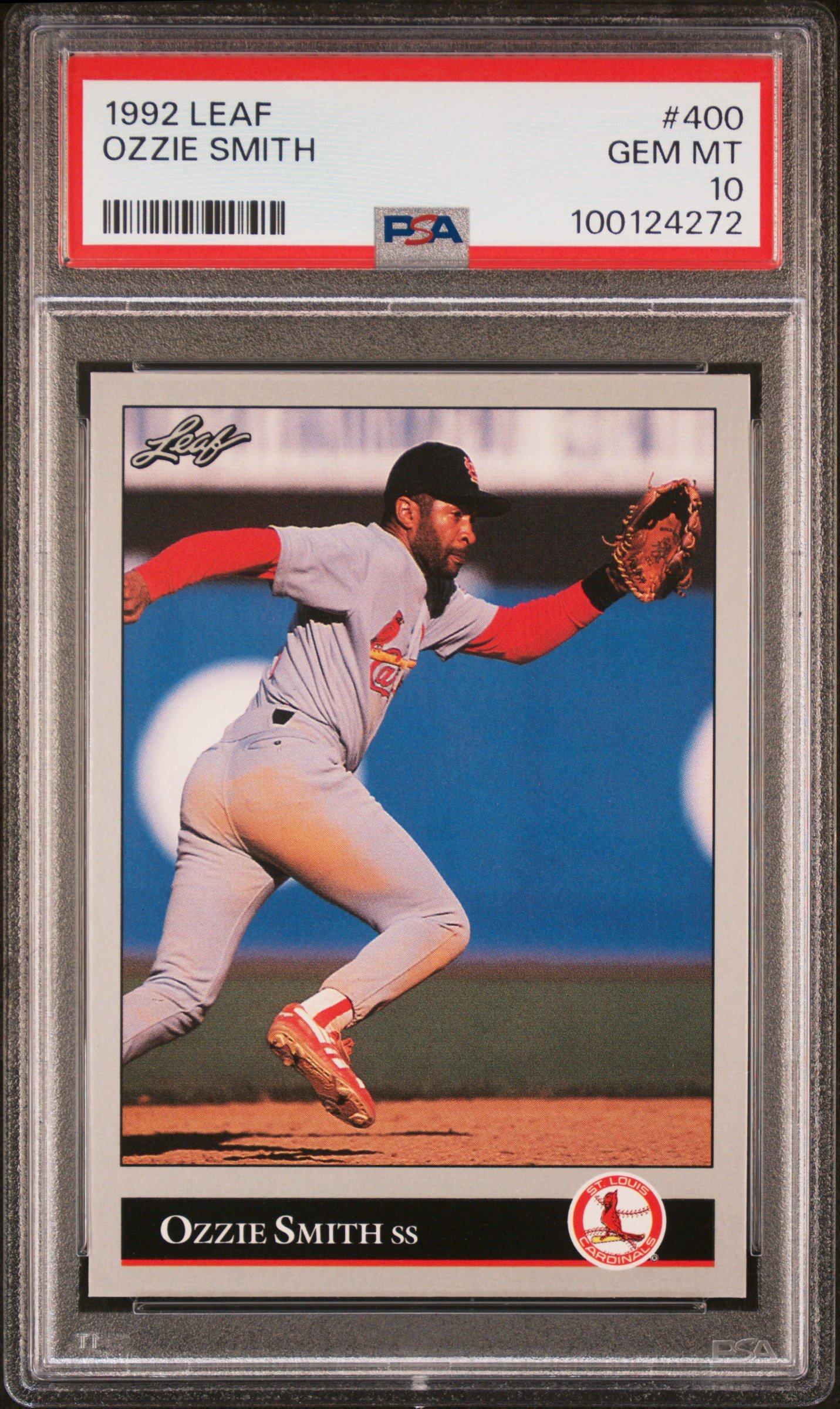
A PSA 10 card is virtually a perfect card. Attributes include four perfectly sharp corners, sharp focus and full original gloss.
A PSA 10 card should be free of stains. A small printing error is acceptable as long as it doesn't affect the overall appearance of the card.
The picture should be centered on the card. Most of it should be on the front, with a smaller part on the back.
Gem Mint means a card is in pristine condition and has no visible flaws or imperfections, such as creases, scratches, or wear. Cards graded as 'Gem Mint' typically receive the highest grade, usually a grade of 10.
At this time, GameStop is only accepting trades from PSA.
PSA is one of the more well-known card grading services, and they often attend card shows, conventions, and other events. These booths often enable authenticating autographs and dropping off cards for grading.
The PSA events calendar states that grading is offered at certain events. However, the turnaround time of grading completion is not guaranteed. This is due to the uncertainty of how many people will request grading services.
You can trade in your PSA graded cards at any participating GameStop store. There your card will undergo a thorough inspection process to verify its authenticity. Once completed, you will receive cash or in-store credit.
At this time, you can only buy graded cards online at GameStop.
Just like any other trade-in product, you will receive cash or in-store credit when trading in graded cards. However, not all cards will be accepted. Cards must be graded by PSA with a grade of 8, 9, or 10 to be accepted for trade.
We use a pricing model that compares pricing and provides an instant trade quote for each specific item you're trading.
This pricing model is run when your card is scanned in for a trade, and therefore can provide real-time pricing for an item, rather than using a static price point like most of our products in store.
Your cash or in-store credit will be provided immediately for a convenient and hassle-free experience. Pricing data and estimates are derived in part by data provided by Card Ladder.
While there is not a maximum number of cards enforced, each card is processed and priced one at a time.
Graded cards are final sale. Customers will be unable to return their cards in store or online.
When buying graded cards, Pro Members get 5% off and have the option to use $5 Monthly Rewards or points-based Online Rewards for additional savings. Pros can also earn points for buying graded cards (20 points per $1 spent). When trading graded cards, Pros get 5% extra trade credit.
Graded cards do not qualify for free shipping regardless of threshold.